Monitoring the call stack
The Call Stack view shows the sequence of function calls leading
up to the script or function that was executing at the time of the
breakpoint. Each line in the Call Stack view displays the name of
the script and the line number from which the call was made. The
yellow arrow shows the script and line where execution was suspended.
You can examine the context of the application at any line
in the call stack.
 To show a different context from the Call Stack
view:
-
Select a line in the Call Stack view.
-
Do one of the following:
-
Double-click
the line -
Select Set Context from the pop-up menu
-
Drag the line into the Source view
A green arrow indicates the script that you selected. The
Source view shows the script and line number you selected, and the
Variables and Watch views show the variables and expressions in
scope in that context.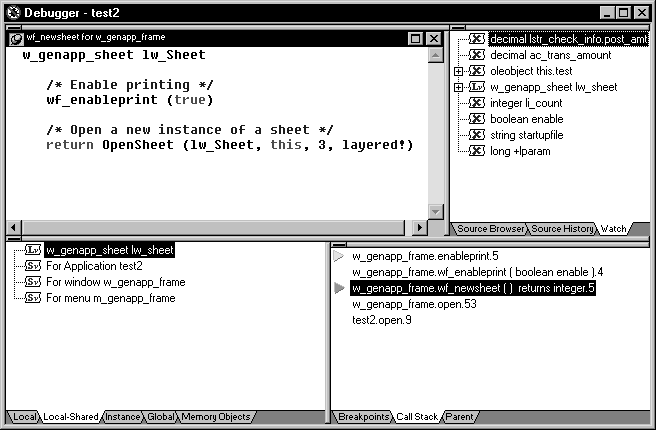
-