The PowerBuilder environment
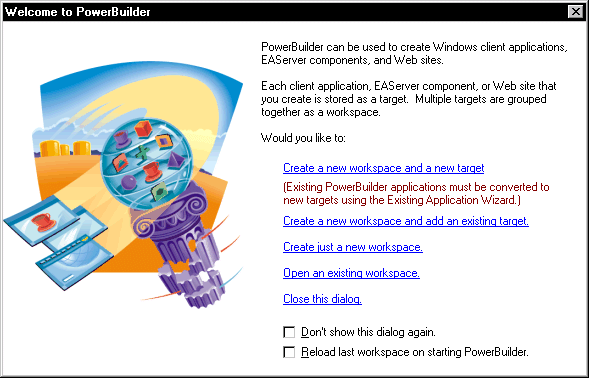
When you start PowerBuilder for the first time, the Welcome
to PowerBuilder dialog box lets you create a new workspace with
or without targets:
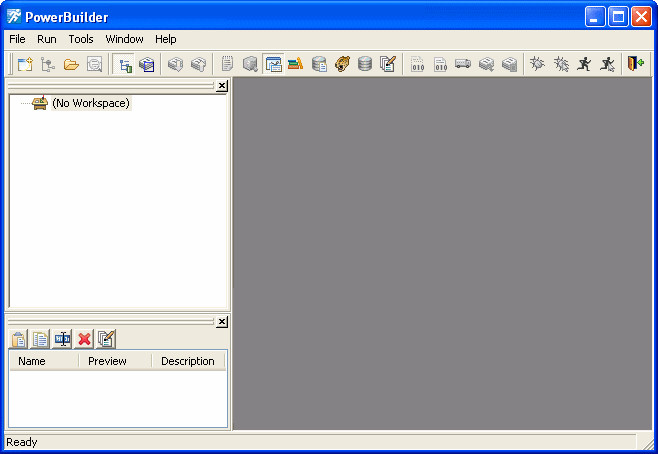
When PowerBuilder starts, it opens in a window that contains
a menu bar and the PowerBar at the top and the System Tree and Clip
window on the left. The remaining area will display the painters
and editors you open when you start working with objects.
Document get from Powerbuilder help
Thank you for watching.
Subscribe
Login
0 Comments
Oldest