Creating a new user object
To create a new user object
-
Open the New dialog box.
-
On PB Object tab page, select the kind of user object you
want to create.The five user object choices display at the top of the tab
page: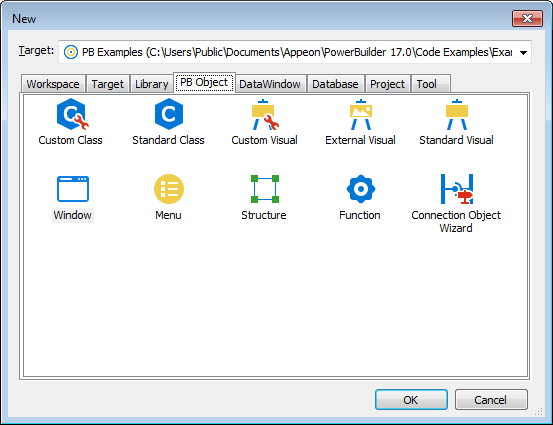
-
Click OK.
What you do next depends on the type of user object you
selected. For all user objects except Standard Class and Standard
Visual, the User Object painter opens.The remainder of this section describes how to build each
type of user object.
Document get from Powerbuilder help
Thank you for watching.
Subscribe
Login
0 Comments
Oldest