Autosize Width of Grid DataWindow columns does not work
Phenomenon
Autosize Width of Grid DataWindow columns does not work during
runtime.
Scenario
Create a Grid DataWindow.
Change the Width Autosize property of any column(s).
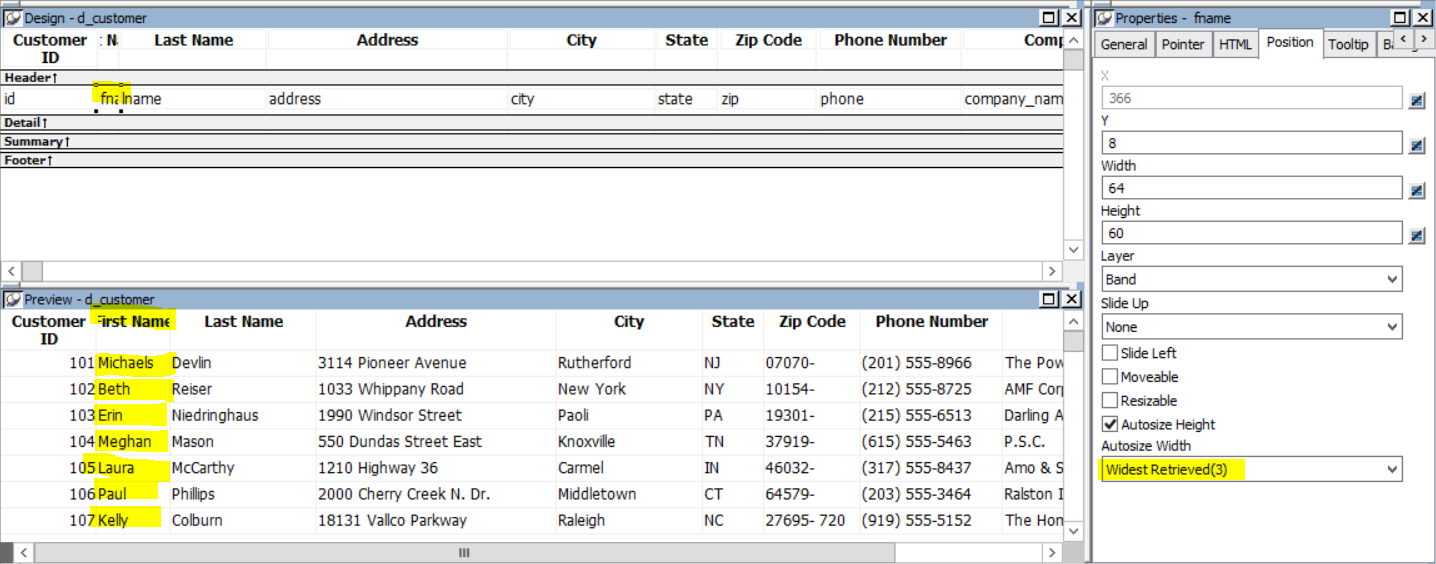
Save the changes.
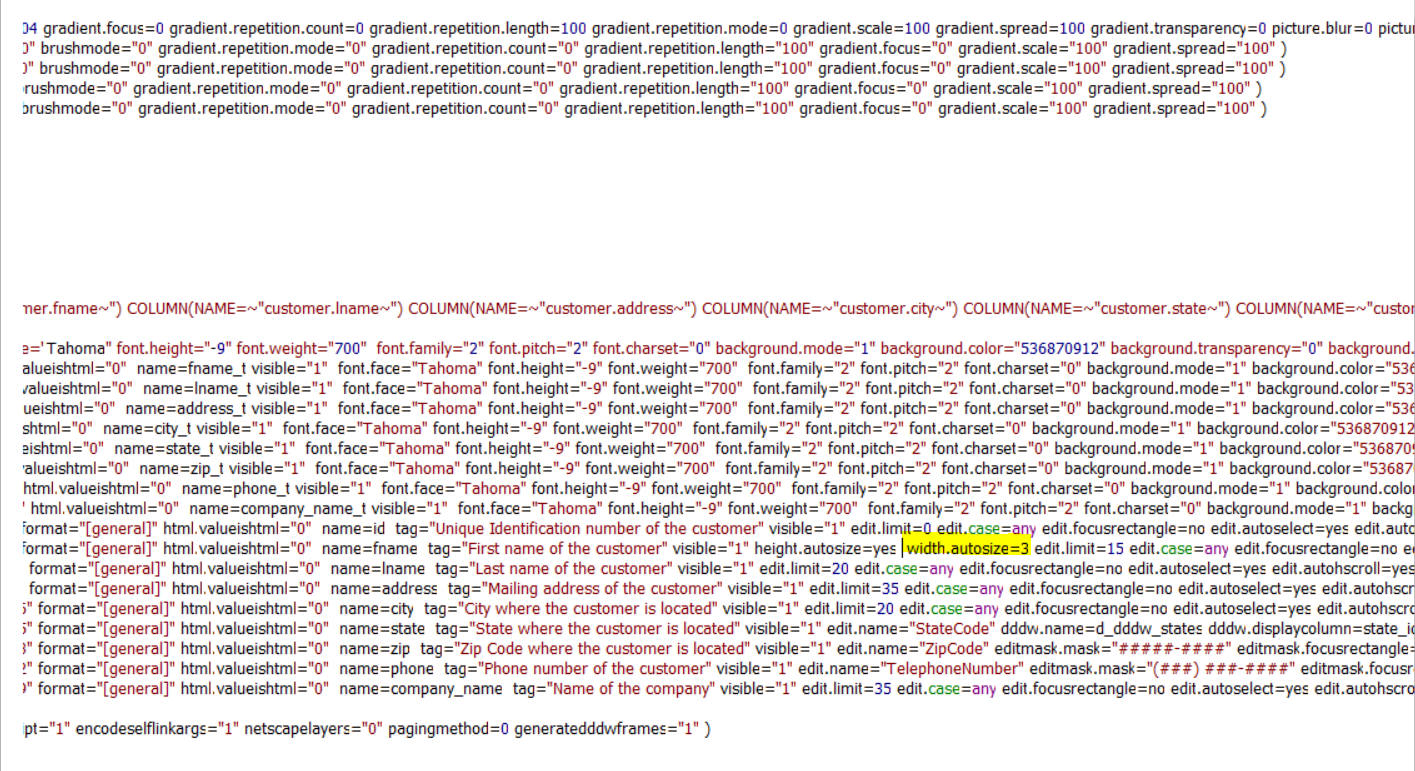
If you now open the Source Code of the DataWindow (Edit Source),
you will see that the property was saved.
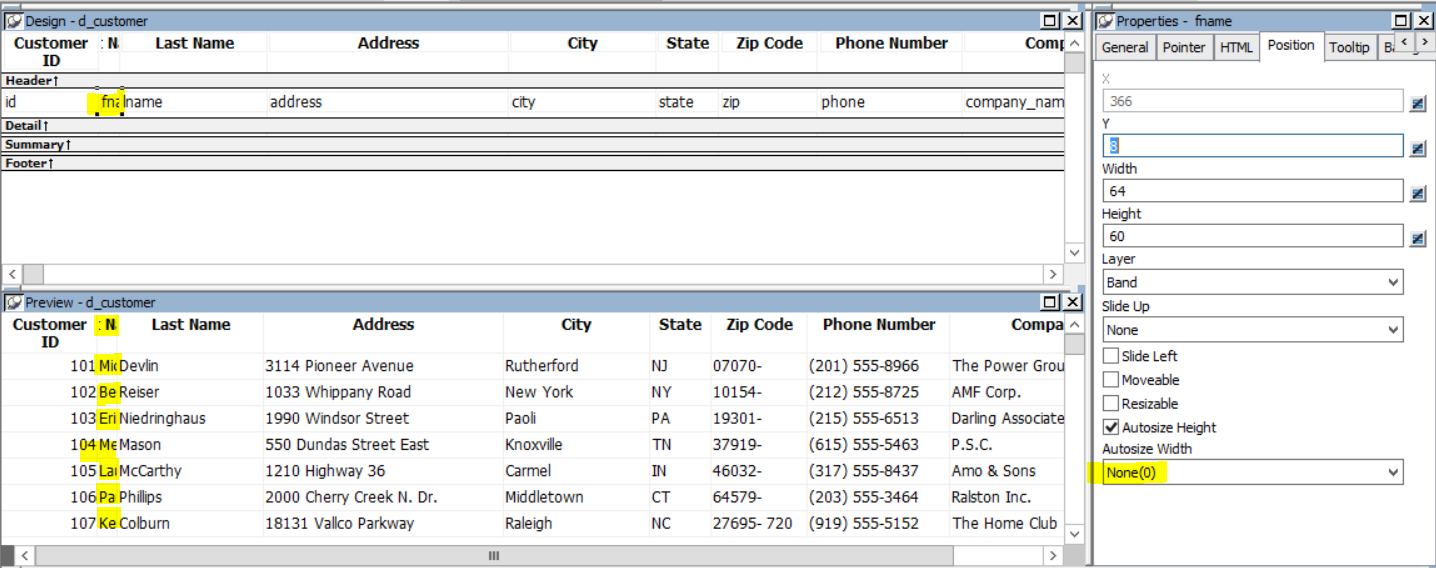
But, if you open the DataWindow again in Design View, the change
is not shown even though it is there.
Workaround
-
Change the property during runtime:
PowerBuilder dot notation:
1dw_control.Object.columname.Width.AutoSizeOr Describe and Modify argument:
1"controlname.Width.AutoSize { = ' value ' }"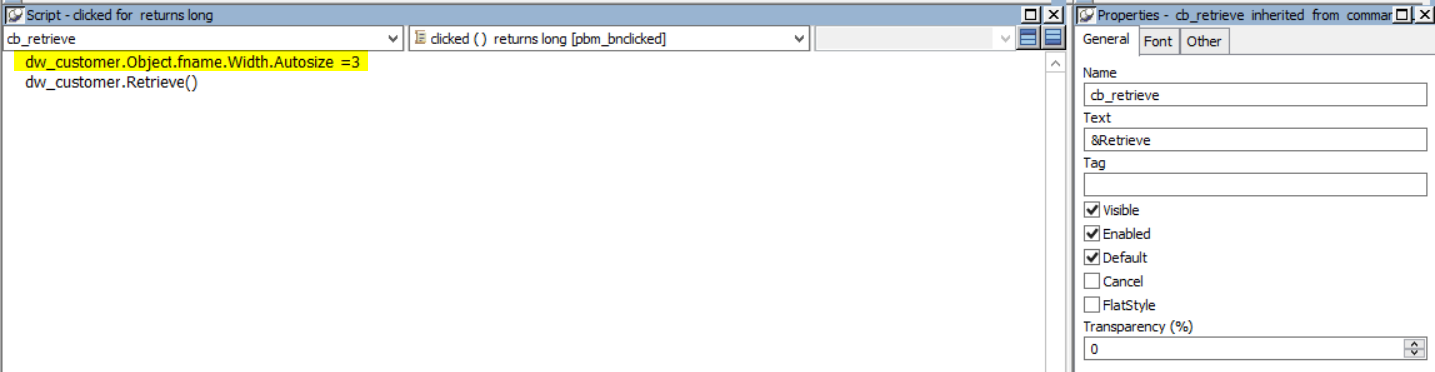
More info here.
-
Now the DataWindow should respect the Width AutoSize.
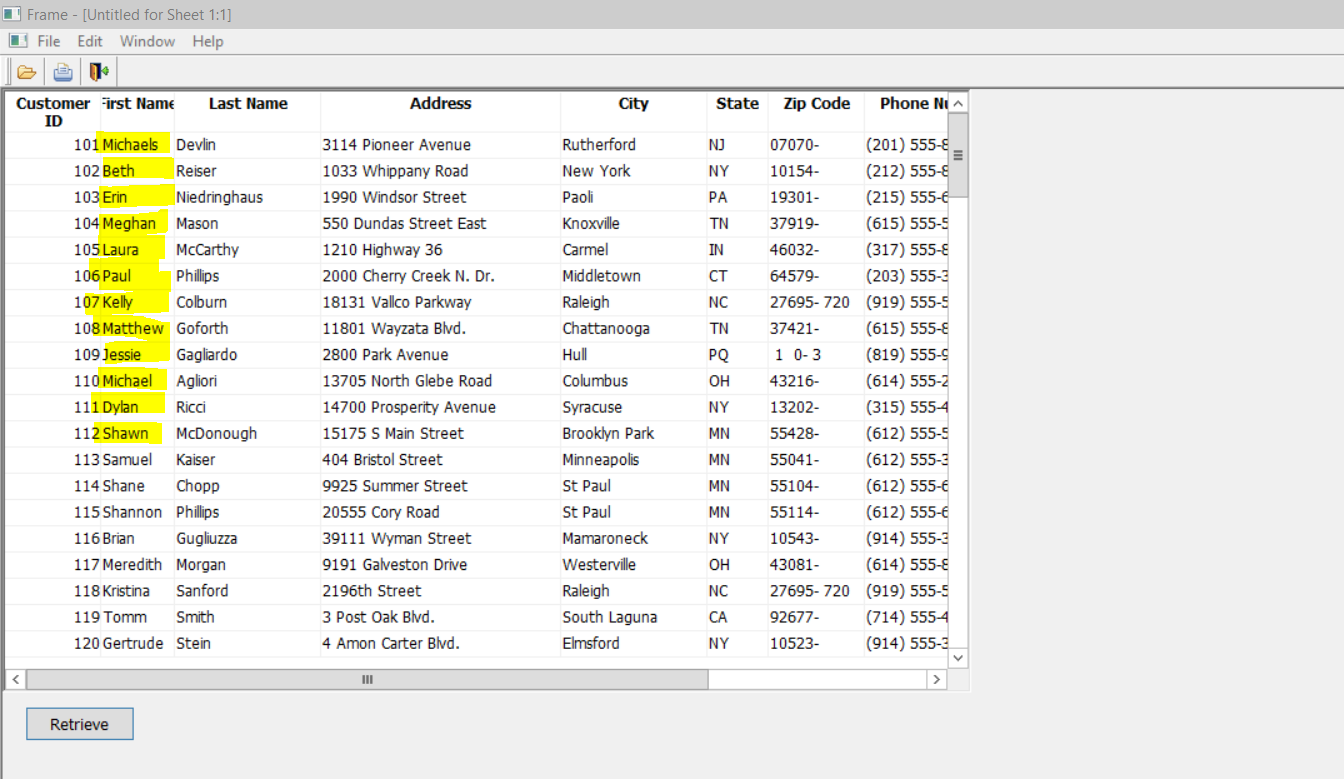
Document get from Powerbuilder help
Thank you for watching.
Subscribe
Login
0 Comments
Oldest