Verifying the app
After installing the app to the server, you can verify that the
cloud app launcher can be successfully installed and the Web API URL is
correct.
-
On the client machine, access the application URL in the Web
browser, for example,
http://172.16.100.35:81/salesdemo_cloud/. -
Follow the prompt message to open Cloud Launcher or
download/install the cloud app launcher.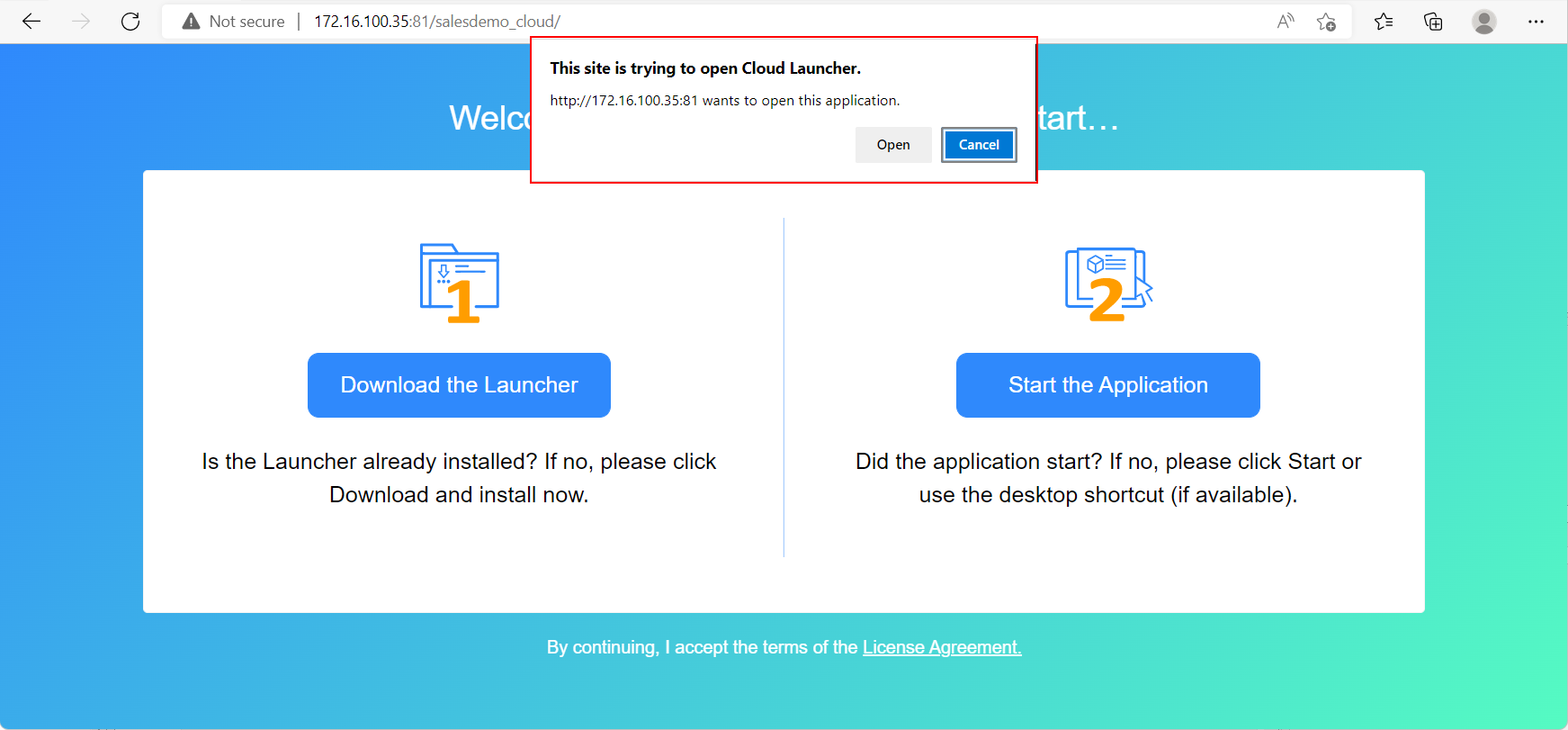
After the cloud app launcher is installed, the application
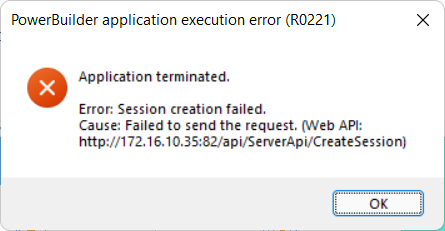
will run.If you see the “Session creation failed” error, make sure you
have installed the Web APIs to the root URL as mentioned in the
message; the root URL should include only the IP address or domain
name and the port number and should exclude any other path such as
“/api/ServerApi/CreateSession”, for example, http://172.16.10.35:82
is the root URL in the following figure. If the root URL is not
correct, change it in the client app > apprun.json file.