Permission errors when configuring the Web server profile
Permission errors occur when testing the file path in the Web
server profile or trying to connect to the Web server during the
deployment process.
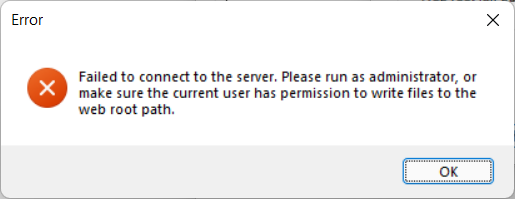

Solution:
1. Restart PowerBuilder IDE using the “Run as administrator”
option. Or
2. Check if the Windows user has read and write permissions to the
web root.
Document get from Powerbuilder help
Thank you for watching.
Subscribe
Login
0 Comments
Oldest