Learning to build a client/server
application
The PowerBuilder tutorial is divided into parts. The first part of
the tutorial is a set of eleven exercises in which you build a Multiple
Document Interface (MDI) database application for a fictional company
called SportsWear, Inc. The application allows you to retrieve customer
and product information from the database and perform insert, update, and
delete functions against the customer and product data.
Customer and Product windows
The MDI application includes two windows that provide access to the
Customer and Product tables in the Demo database.
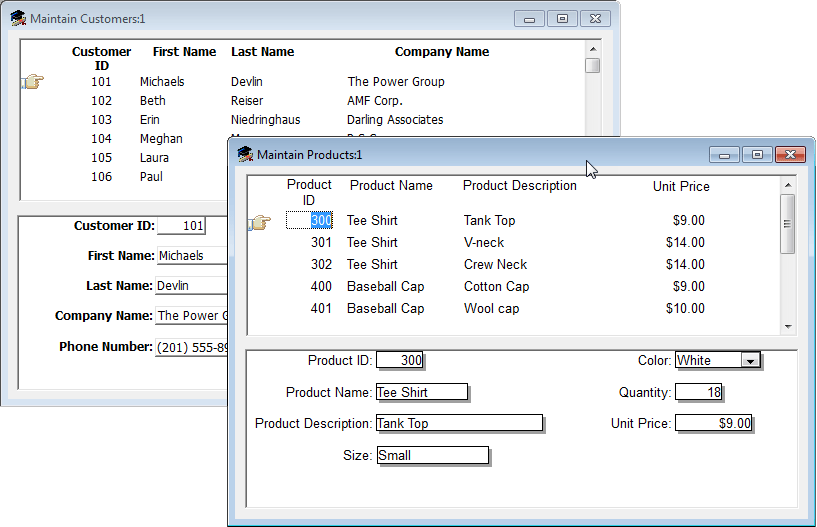
These windows are master/detail windows: each allows you to display
a master list of rows in a particular table and also see detailed
information for each row in the table. For example, the top half of the
Maintain Products window contains a list of products with a pointer to a
single product; the bottom half of the window displays extra detail for
the current product.
Login window
The MDI application also includes a login window that allows you to
connect to the database at start-up time.