Deploying the project
Save the PowerServer project settings; and build and deploy the
PowerServer project (using the Build &
Deploy Project button) for the changes to take
effect.
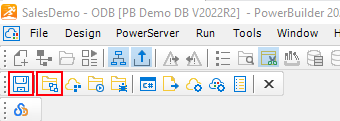
Make sure the deployment is successful.
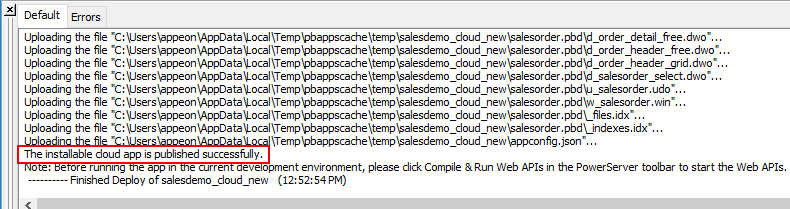
If you encounter any permission errors (similar to below) during
the deployment process, check the Troubleshooting Guide for
solutions.
|
1 2 |
Failed to connect to the server. Please run as administrator, or make sure the current user has permission to write files to the web root path. Failed to publish the installable cloud app. |
When the process is completed, the client app files and the
PowerServer Web APIs are automatically deployed to the specified IIS
web site.
Document get from Powerbuilder help
Thank you for watching.
Subscribe
Login
0 Comments
Oldest