Configuring SSL on FTP server
To configure the FTP server with Secure Sockets Layer (SSL), you can
follow the instructions in https://docs.microsoft.com/en-us/iis/publish/using-the-ftp-service/using-ftp-over-ssl-in-iis-7.
The following highlights the important settings for configuring SSL
on an FTP site:
-
The Physical path must be the
full path to the Web server Web root. -
The FTP site must be set to Require
SSL or Allow SSL. -
An SSL certificate must be selected.
-
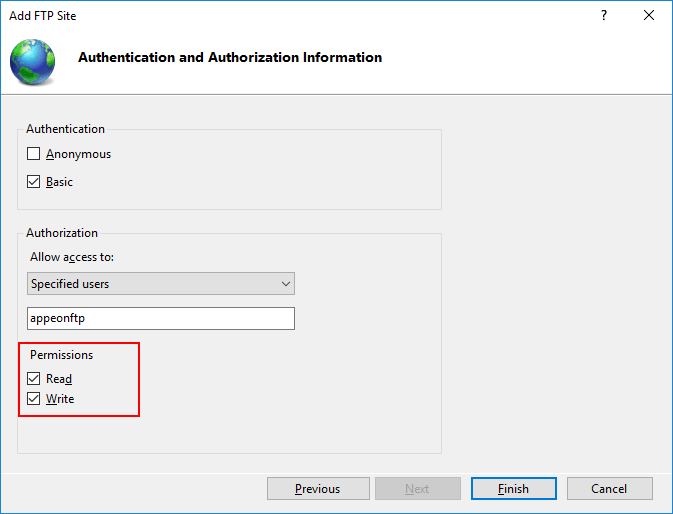
The Read and Write permissions must be enabled.
When you configure the Web Server profile in PowerBuilder that
connects with an SSL Web server, you should input the HTTPS listener and
port number for the Web server.
Document get from Powerbuilder help
Thank you for watching.
Subscribe
Login
0 Comments
Oldest