Capturing HTTP(S) with Fiddler
Open up your favorite browser, and simply navigate to the URL of
the installable cloud app. You will see the requests sent to PowerServer
in the section containing list of sessions (the left pane).
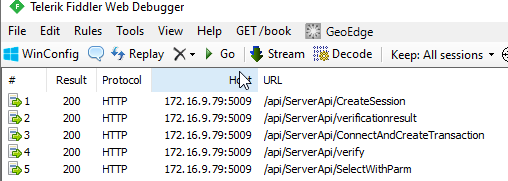
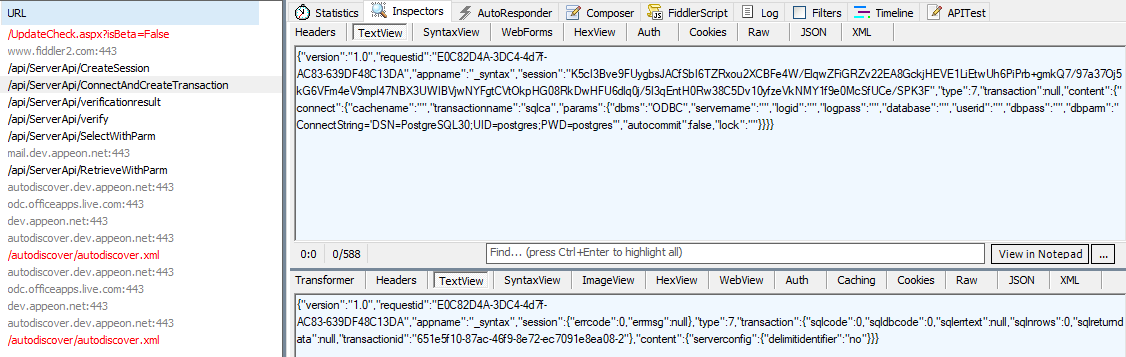
After selecting one of those sessions, click on Inspectors tab,
then the TextView tab shows the request sent to the server and also the
response returned from the server.
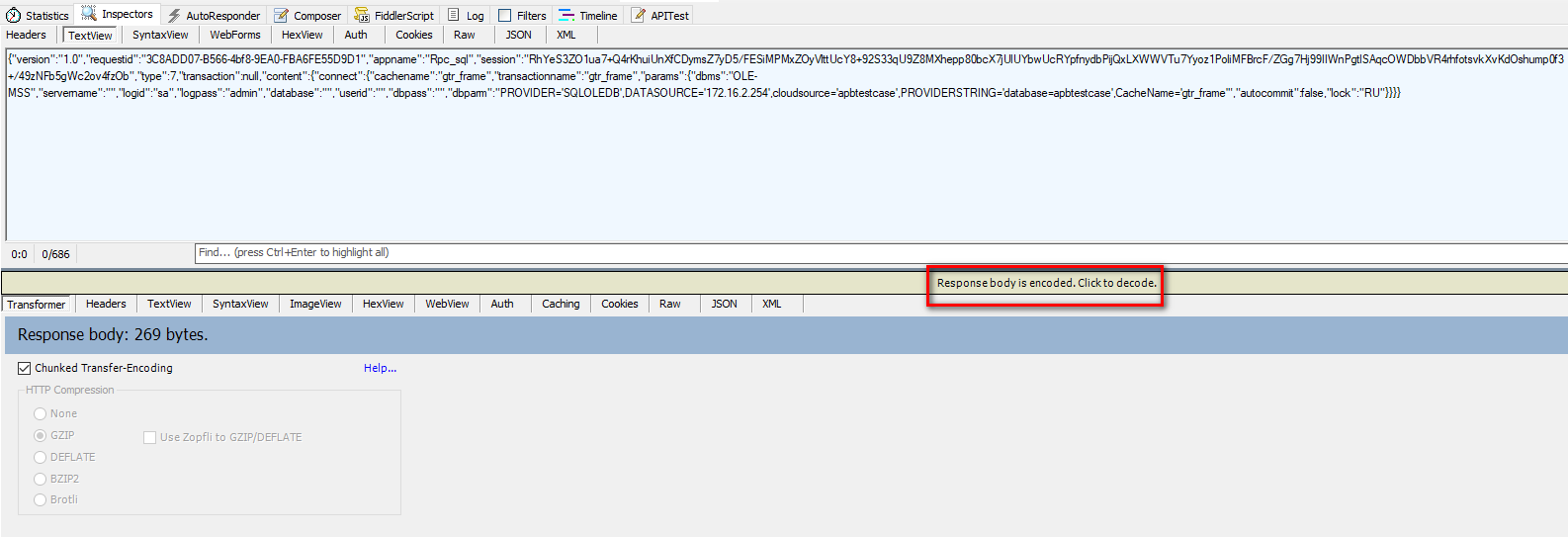
If the response body is encoded, click to decode:
Document get from Powerbuilder help
Thank you for watching.
Subscribe
Login
0 Comments
Oldest