Building a form with the custom form style
When an InfoMaker user using the style library creates a new form,
all custom form styles display in the Form Style box in the New Form
dialog box:
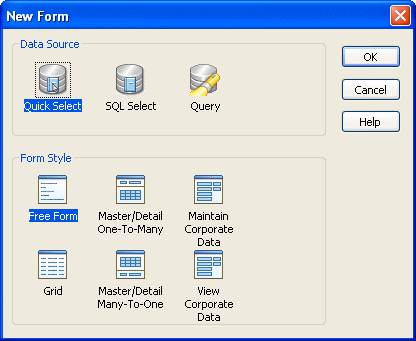
Custom styles display with a generic icon.
InfoMaker users simply select a data source and a custom style to
start building a form based on your form style. You should provide
documentation to users of your form styles.
Understanding inheritance
When users build a form, they are working with a window that is a
descendant of the window that you built for the form style. That is, the
form style window you built in PowerBuilder is the ancestor, and the
form window used in InfoMaker is the descendant. This means that if you
change the form style, the changes are picked up the next time users
work with a form using that style.
For example, you can add controls to the form style and have the
controls display automatically when users later open existing forms
using the style.
Caution
Be careful: do not make changes that invalidate forms already
built using the style.