About the database driver
PowerServer uses the .NET Core data provider to connect with the
database. The corresponding database drivers will be automatically
downloaded from NuGet (www.nuget.org). All you need to
do is to agree to the driver license terms in the PowerBuilder IDE.
When you create the database cache in the Database Configuration dialog box, click the
View License Terms link to view the
license first and then select the option “I have
read and agree to the license …” in the Database driver group. You will need to select the
option for every supported database type.
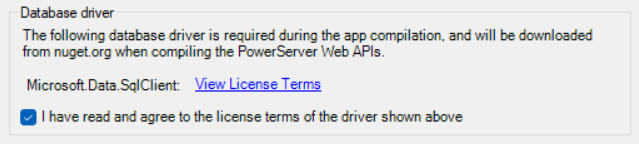
The driver will be automatically downloaded to PowerServer
later.
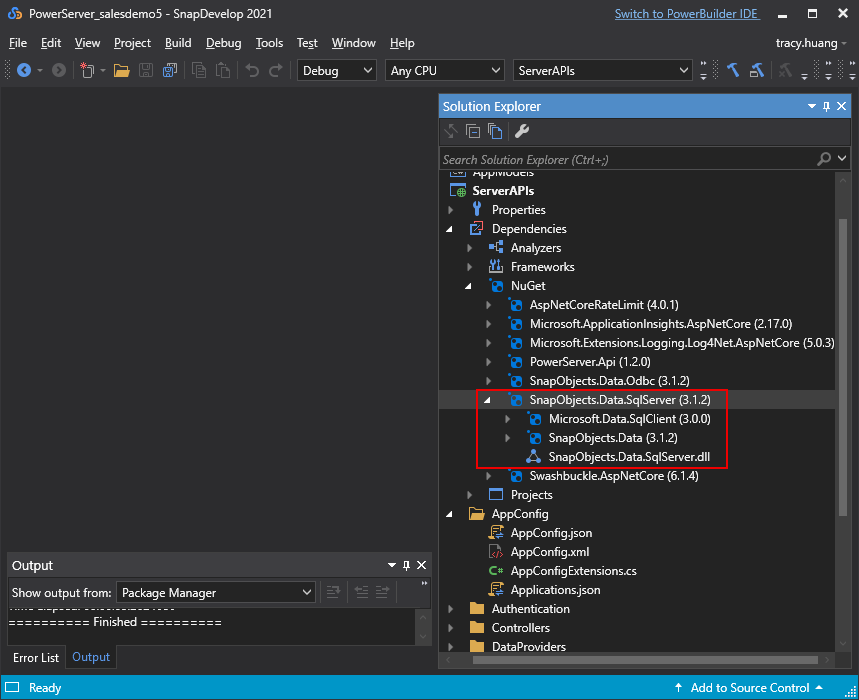
For DB2, Informix, MySQL, and Oracle database, their corresponding
drivers must also be downloaded to the PowerBuilder IDE as well. You will
be prompted for such download (detailed instructions are provided in the
subsequent sections).
For SQL Anywhere and Adaptive Server Enterprise databases that
PowerServer connects with through the ODBC data source, besides the .NET
Core driver, you will also need to install the ODBC driver and create the
ODBC data source first in the server hosting PowerServer (detailed
instructions are provided in the subsequent sections).