Enable CORS
When calling the “/connect/token” API in JavaScript, you may
come across the cross-origin resource sharing (CORS) error like
below.

This error occurs if the web page and the server are not in the
same
origin. You can resolve this error by keeping the web page and
the server in the same origin, or configuring to allow some (not all)
cross-origin requests.
Follow the steps below to enable CORS for some requests (using a
named policy):
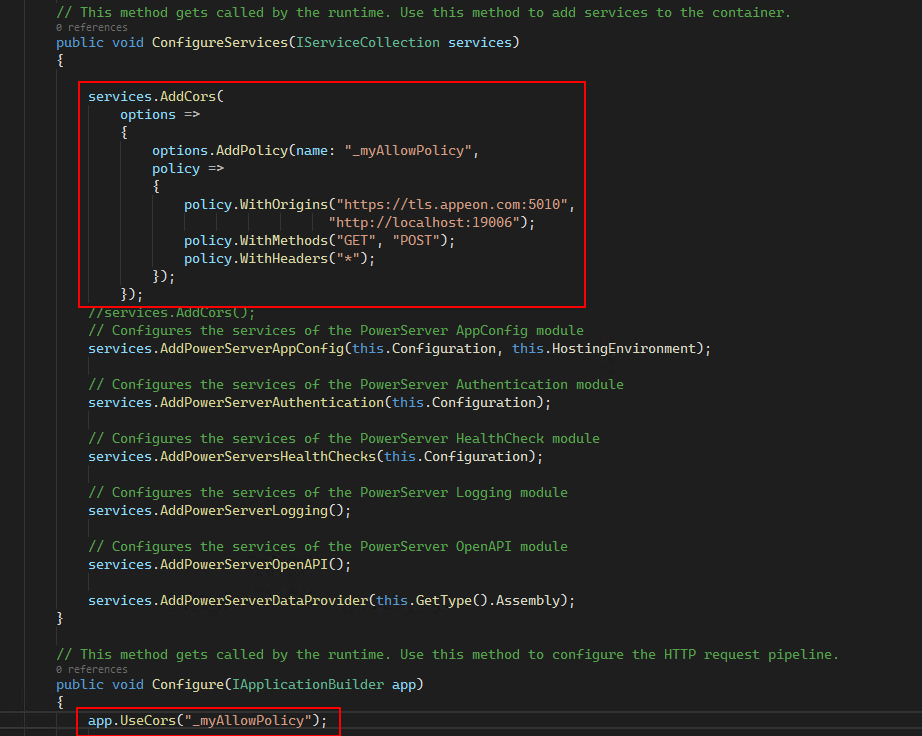
1) In the Startup.cs file, add the following CORS policy to the
ConfigureServices method:
|
1 2 3 4 5 6 7 8 9 10 11 12 |
services.AddCors( options => { options.AddPolicy(name: "_myAllowPolicy", policy => { policy.WithOrigins("https://tls.appeon.com:5010", "http://localhost:19006"); policy.WithMethods("GET", "POST"); policy.WithHeaders("*"); }); }); |
2) In the same Startup.cs file, use the policy in the Configure
method:
|
1 |
app.UseCors("_myAllowPolicy"); |
The following script will allow all cross-origin requests
(use this
cautiously):
|
1 |
app.UseCors(m => m.AllowAnyOrigin().AllowAnyHeader().AllowAnyMethod()); |