Creating the Static Web App
Go to Azure and create a new Static Web App
using the following settings:
-
Plan Type: Standard (The Cloud App Launcher is too large for
the hosting allowed by the Free Plan) -
Source: Other
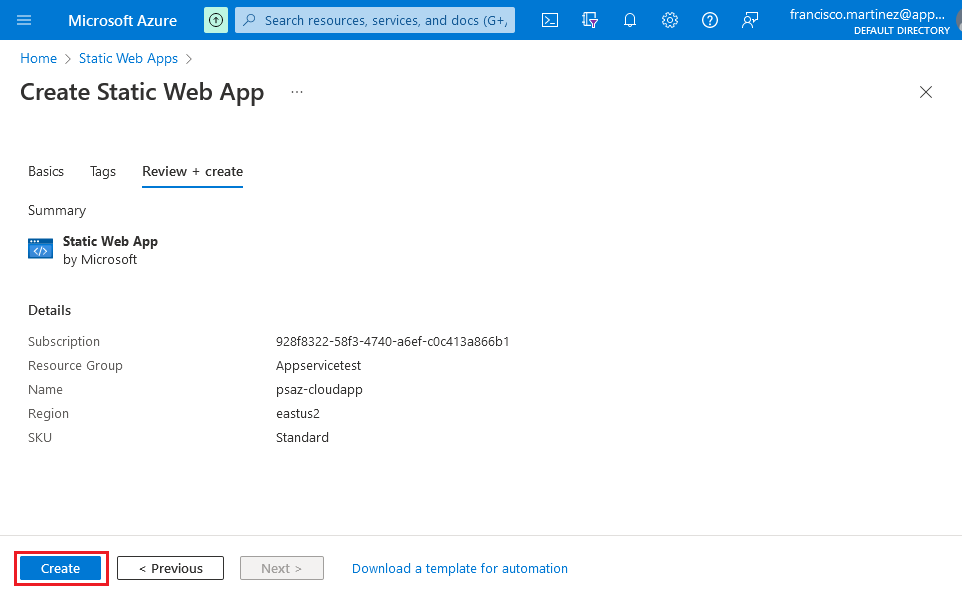
Once you log in, select the repository and the branch where you
pushed the files and click Review +
Create.
When the deployment completes, go to the
Overview page and copy the Deployment
token by clicking on the Manage deployment
token button.
Document get from Powerbuilder help
Thank you for watching.
Subscribe
Login
0 Comments
Oldest