Built-in Kestrel
Kestrel is the default web server used for ASP.NET Core
applications, therefore, when the ServerAPIs project is created, it includes the
Kestrel web server by default.
The ServerAPIs project >
Properties > launchSettings.json file configures how the
built-in Kestrel starts by default.
The launchSettings.json file is used only when you run
PowerServer Web APIs in the local development environment, for
example, when the ServerAPIs project
is directly run from the PowerBuilder IDE, SnapDevelop, or
VisualStudio; however, this file will not be included when PowerServer
Web APIs is published to the production environment. (Read more)
The following three properties in launchSettings.json will be used, when you
click Run Project in the PowerBuilder
IDE:
-
the “commandName” key has the value “Project”, it indicates
the internal Kestrel web server will be launched; -
the “ASPNETCORE_ENVIRONMENT” key configures the app’s
environment to Development; -
the “applicationUrl” key configures the URL of the ASP.NET
Core application; it is the host name and port number that the
Kestrel server listens on. The port number is from the value
configured in PowerBuilder IDE (the port of local Kestrel server
in PowerServer project painter, which is 5099 by default).
|
1 2 3 4 5 6 7 8 9 10 11 12 13 |
{ "profiles": { "ServerAPIs": { <span><strong>"commandName": "Project",</strong></span> "launchBrowser": true, "launchUrl": "PowerServer", "environmentVariables": { <span><strong>"ASPNETCORE_ENVIRONMENT": "Development"</strong></span> }, <span><strong>"applicationUrl": "http://localhost:5099/"</strong></span> } } } |
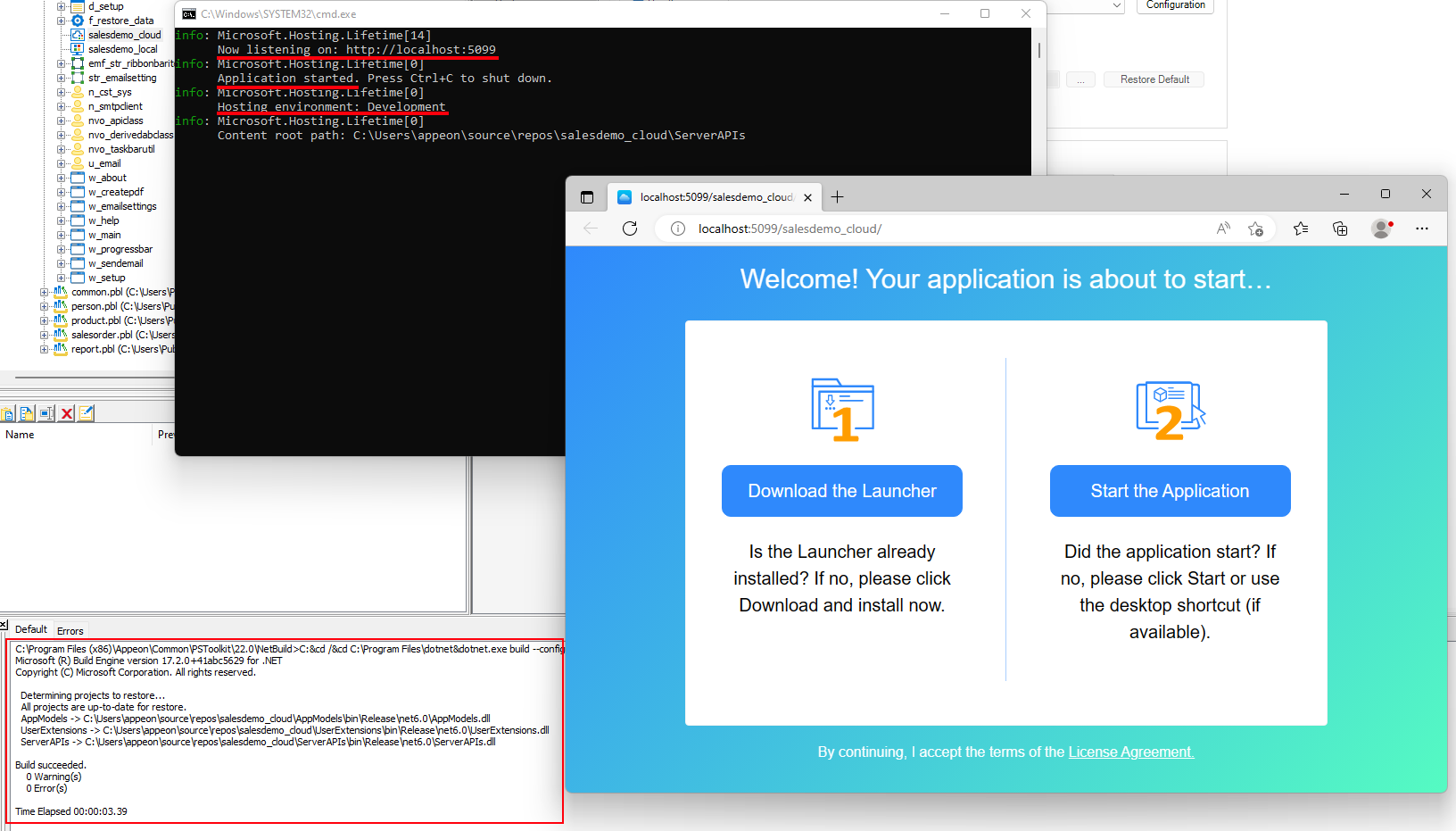
Therefore, when you click Run
Project in the PowerBuilder IDE, the ServerAPIs project will be compiled and run
with the Kestrel web server in the local development host environment
and the server will start listening to port 5099 by default.